Mobile security faces a rapid shift as cyber threats evolve beyond traditional signatures. Modern attackers use machine learning algorithms to generate zero-day malware, bypass standard antivirus scans, and automate phishing campaigns targeting Android users. Protecting a smartphone requires moving past basic scanning tools. Users need advanced security applications that leverage artificial intelligence and machine learning directly on the device.
- Understanding the Threat of AI-Powered Malware on Android
- Mechanism of On-Device Machine Learning Security Models
- Bitdefender Mobile Security and AI Threat Detection Capabilities
- Malwarebytes Mobile Security and Behavior Analysis Engines
- ESET Mobile Security and Anti-Phishing Protection Systems
- Hardware-Level Security Integration with ARM TrustZone
- Evaluating Battery and Performance Impact on Android Devices
- Best Practices for Preventing Android Hacks Beyond Apps
- Key Takeaways
- Frequently Asked Questions
- Can AI security apps drain my Android phone battery?
- What is the difference between signature-based and AI-based security?
- Do I need an antivirus app on Android if I only use the official app store?
- How does ARM TrustZone improve mobile security?
- Are free security apps safe to use on Android?
- What should I do if my security app detects a threat?
- Conclusion
Traditional antivirus software relies on static signature databases to identify malicious applications. This reactive approach fails against automated threats that mutate their code dynamically. AI-driven security apps analyze code behavior, API calls, and execution patterns in real time. These tools catch sophisticated exploits even before security researchers publish formal definitions.
Understanding the Threat of AI-Powered Malware on Android
Automated malware generators create thousands of unique variants every hour. This scale renders traditional signature detection obsolete. Attackers deploy polymorphic code that changes its cryptographic signature constantly. Consequently, standard security applications miss these intrusions entirely.
Machine learning models allow malicious payloads to disguise themselves as benign utilities. They often remain dormant until specific environmental triggers occur, such as a banking application opening. AI-powered threats can also harvest biometric data, log keystrokes, and exfiltrate information selectively to avoid triggering network data limits that alert users.
Advanced persistent threats on Android now mimic normal user interactions to bypass behavioral checks. They simulate taps, scrolls, and swipes. These techniques trick basic accessibility services into granting broad device permissions. Security apps must employ advanced anomaly detection to spot these microscopic deviations from normal behavior.
Mechanism of On-Device Machine Learning Security Models

Local machine learning models process security data directly on the smartphone processor without sending sensitive telemetry to external cloud servers. This local processing ensures user privacy while delivering instantaneous threat detection. The app analyzes system calls, memory allocations, and network sockets locally.
Dedicated neural processing units handle heavy computational workloads efficiently. When an application attempts unauthorized root access or suspicious inter-process communication, the on-device model flags the anomaly immediately. This architecture eliminates latency risks associated with cloud-dependent security solutions.
Zero-day exploits stand little chance against local neural networks trained on baseline user behavior. If a freshly downloaded flashlight app suddenly attempts to read secure storage directories, the local heuristic engine isolates the process. This containment happens instantly, preventing data exfiltration before human intervention becomes necessary.
Bitdefender Mobile Security and AI Threat Detection Capabilities
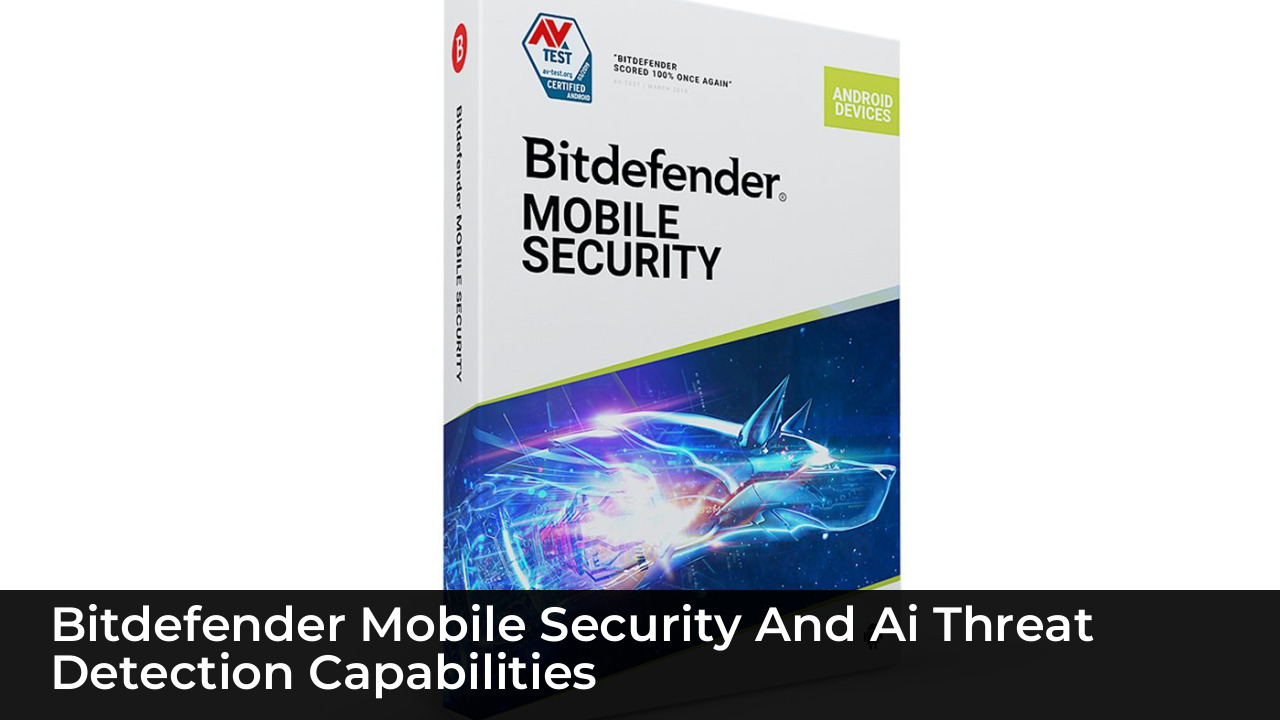
Bitdefender Mobile Security employs cloud-assisted heuristic scanning alongside on-device behavioral analysis to secure Android environments. The application monitors installed programs continuously. It flags suspicious modifications to system files without draining the battery or slowing down daily phone operations.
The integrated Autopilot feature analyzes usage patterns and provides proactive recommendations. If a newly installed app requests excessive permissions, Bitdefender alerts the user immediately. The app also includes account privacy checks that verify whether an email address appears in known data breaches.
Web protection modules utilize heuristic engines to block malicious URLs in real time. When users open phishing links inside messaging apps or browsers, Bitdefender intercepts the connection. This prevents credential theft by stopping browser-based exploits before the payload executes.
Malwarebytes Mobile Security and Behavior Analysis Engines
Malwarebytes Mobile Security focuses heavily on auditing device applications and detecting unauthorized surveillanceware. The application scans every file and process using aggressive heuristics designed to uncover hidden adware and stalkerware. Its behavior analysis engine identifies unauthorized attempts to access the microphone or camera.
The privacy auditor breaks down application permissions clearly. Users see which programs can track their physical location, read text messages, or record audio. This transparency helps individuals purge risky applications that bypass standard app store vetting processes.
Real-time protection blocks ransomware and financial Trojans before they lock device storage. Malwarebytes uses lightweight background checks that consume minimal system resources. This efficiency ensures complete protection on both flagship devices and budget-friendly smartphones.
ESET Mobile Security and Anti-Phishing Protection Systems
ESET Mobile Security delivers robust defense mechanisms against social engineering attacks and malicious application payloads. Its anti-phishing engine analyzes incoming web traffic across all major browsers. It detects deceptive domains designed to mimic banking portals or cryptocurrency exchanges.
The proactive scanner evaluates applications during installation. It flags code anomalies associated with trojanized APKs downloaded from third-party repositories. ESET also features a security audit tool that reviews device settings, highlighting vulnerabilities like unencrypted storage or enabled USB debugging.
Anti-theft integration provides remote tracking, locking, and wiping capabilities. If a device falls into the wrong hands, the owner can trigger alarms or capture images of the unauthorized user. These features protect personal data even after physical loss occurs.
Hardware-Level Security Integration with ARM TrustZone
Software security apps perform best when paired with hardware-level isolation mechanisms like ARM TrustZone. This architecture creates a secure execution environment separate from the standard Android operating system. Sensitive cryptographic keys and biometric data reside safely within this isolated hardware enclave.
AI security apps communicate with the secure world to verify system integrity during boot sequences. If an attacker modifies the kernel or attempts a root exploit, the hardware root of trust detects the tampering. The device then halts execution to prevent compromise.
Modern system-on-chip designs incorporate dedicated secure elements alongside neural processing units. Security applications utilize these dedicated silicon blocks to execute machine learning inference models securely. This hardware acceleration ensures that malware cannot tamper with the security scanner itself.
Evaluating Battery and Performance Impact on Android Devices
Running continuous machine learning models on a mobile device raises valid concerns regarding battery consumption and thermal throttling. Effective security apps optimize their inference tasks to run only during idle states or when specific triggers occur. This design prevents excessive drain.
Modern mobile processors handle neural network workloads efficiently through hardware acceleration. Security apps distribute computational tasks across CPU cores and neural processing units evenly. As a result, users experience seamless multitasking without noticeable frame drops or sluggish app launches.
Developers must balance thorough heuristic scanning with energy conservation. The best security applications maintain a minimal memory footprint. They avoid constant full-disk scans in favor of intelligent, event-driven monitoring that preserves long-term battery health.
| Security Application | AI/Behavioral Engine | Hardware Integration | Battery Impact |
|---|---|---|---|
| Bitdefender Mobile Security | Cloud and On-Device Heuristics | ARM TrustZone Compatible | Low |
| Malwarebytes Mobile Security | Advanced Behavior Analysis | Standard OS Integration | Very Low |
| ESET Mobile Security | Anti-Phishing & Heuristics | Secure Boot Verification | Low |
Best Practices for Preventing Android Hacks Beyond Apps
Security apps serve as a vital defense layer, but safe user habits remain equally essential. Avoid downloading applications from unverified third-party app stores or random links in messaging platforms. Stick to official distribution channels that vet developer identities.
Maintain up-to-date operating system software and firmware. Manufacturers release monthly security patches that address newly discovered zero-day vulnerabilities. Ignoring these updates leaves devices exposed to known exploits that security apps might struggle to contain.
Review app permissions regularly and revoke access for tools that do not require specific capabilities. Disable developer options, USB debugging, and unknown source installations when not actively required. These simple operational hygiene steps reduce the attack surface significantly.
Key Takeaways
- AI-driven malware uses mutation and polymorphism to bypass traditional signature-based antivirus tools.
- On-device machine learning models process security telemetry locally, protecting user privacy and ensuring instant threat isolation.
- Apps like Bitdefender, Malwarebytes, and ESET provide robust behavioral analysis and anti-phishing protection.
- Hardware-level features like ARM TrustZone create secure execution environments that prevent root-level compromises.
- Optimized security apps utilize neural processing units to maintain high performance and low battery consumption.
Frequently Asked Questions
Can AI security apps drain my Android phone battery?
Optimized security apps use hardware acceleration from neural processing units to execute machine learning models efficiently. They run background tasks conditionally, ensuring minimal impact on daily battery life.
What is the difference between signature-based and AI-based security?
Signature-based security matches known malware code snippets against a database. AI-based security analyzes application behavior and code patterns in real time to detect unknown or zero-day threats.
Do I need an antivirus app on Android if I only use the official app store?
While official app stores implement strict security checks, malicious applications occasionally slip through automated filters. Security apps provide an extra layer of defense against sophisticated malware and phishing attempts.
How does ARM TrustZone improve mobile security?
ARM TrustZone creates an isolated hardware environment separate from the main operating system. This secure enclave protects sensitive data like encryption keys and biometric credentials from rogue software.
Are free security apps safe to use on Android?
Reputable security vendors offer reliable free tiers with core scanning features. However, users should review privacy policies carefully to ensure the developer does not monetize personal telemetry.
What should I do if my security app detects a threat?
Immediately quarantine or uninstall the flagged application. Change important passwords from a secure device, and run a full system scan to ensure no residual files remain.
Conclusion
Securing an Android device against sophisticated, AI-driven threats requires more than basic caution. Modern attackers utilize advanced automation and machine learning to craft zero-day exploits that easily bypass legacy security measures. Implementing specialized security applications with local heuristic engines and behavior analysis provides necessary proactive defense. Paired with hardware-level isolation like ARM TrustZone and disciplined user habits, these tools ensure comprehensive protection in a constantly shifting digital environment.