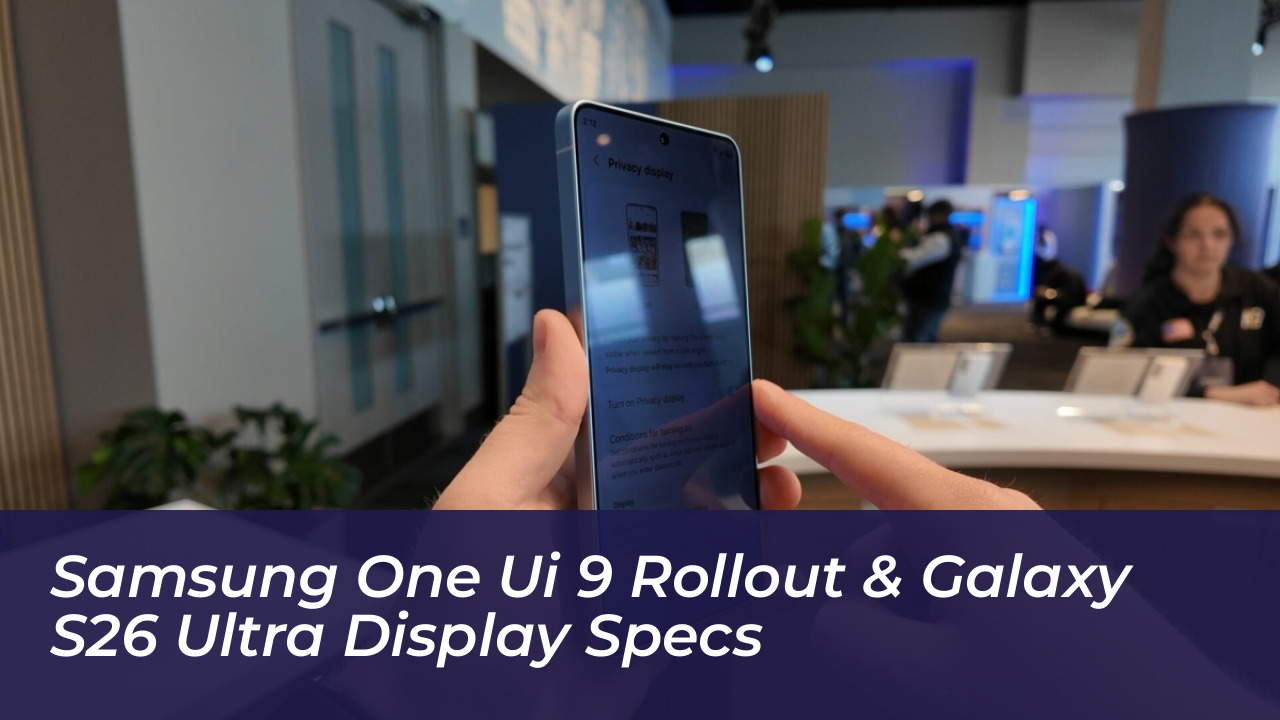
Samsung Electronics officially expanded the distribution of its One UI 9 software update on September 16, 2026. Following its initial deployment on the latest foldable lineup, the stable Android 17-based software now reaches the flagship Galaxy S26 series, including the standard S26, the S26+, and the S26 Ultra. Alongside the software expansion, hardware leaks from industry analyst Ice Universe detail cutting-edge display engineering on the S26 Ultra. This report breaks down the functional upgrades in One UI 9 and the physical specifications of Samsung’s latest flagship hardware.
- One UI 9 Rollout Timeline and Eligible Devices
- Capture and Media Enhancements: My FanCam
- Productivity and Daily Workflow Upgrades
- Security, Privacy, and Scam Detection Enhancements
- Galaxy S26 Ultra Hardware: The Four-Way Baffle Privacy Display
- Frequently Asked Questions
- Which devices are eligible for the One UI 9 update?
- What is the main benefit of the My FanCam feature?
- How does the Galaxy S26 Ultra privacy display work?
- Conclusion
The integration of advanced software automation and proprietary display hardware drives a major shift in mobile device engineering. Users today demand seamless multitasking alongside uncompromising data privacy, pushing manufacturers to innovate at both the silicon and application layers. This analysis examines how the latest updates transform everyday interactions across mobile productivity, media capture, and device security.
One UI 9 Rollout Timeline and Eligible Devices
The stable rollout began on September 16, 2026, succeeding four months of rigorous beta testing. South Korea served as the primary launch market with firmware version S94xNKSU4BZ16, while regional variations see staggered releases, such as a scheduled September 21 start in Canada. This methodical deployment strategy ensures stability before broad international exposure.
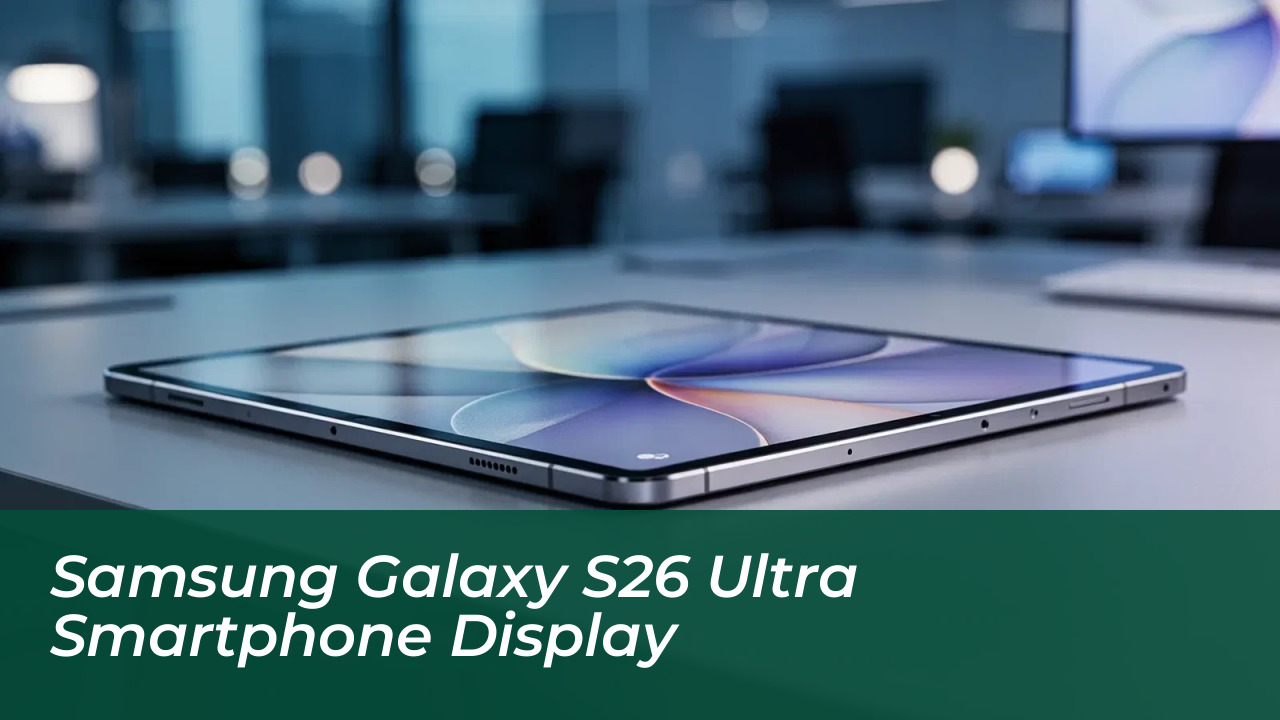
Devices that receive the stable update first include the Galaxy S26 Ultra, Galaxy S26+, and standard S26, alongside the Galaxy Z Fold8 Ultra, Z Fold8, and Z Flip8. Samsung confirms a gradual expansion to previous generation hardware. Devices slated for subsequent phases include the Galaxy S25, S24, and S23 series, alongside corresponding FE variants and the Tab S11 and Tab S10 series.
Enterprise users and retail consumers alike benefit from this structured roadmap. By prioritizing recent flagships, Samsung minimizes software bugs while optimizing resource allocation for older processors running the demanding features of Android 17.
Capture and Media Enhancements: My FanCam
One UI 9 introduces automated video tracking tools designed to eliminate manual editing for social media content. The standout feature in this category is My FanCam, which requires a Samsung Account login to function properly. When recording a video, My FanCam intelligently isolates a selected subject within the frame.
As the subject moves across the scene, the software dynamically crops and reframes the footage in real time. This keeps the target centered without requiring manual pan adjustments during playback. Practical use cases range from tracking children during school performances to following athletes on a sports field.
Complementing video tracking, generative artificial intelligence powers the new Now Brief cards, providing customizable summaries for health metrics, weather updates, and video reels. The structured Voice Recorder tool organizes lengthy audio notes using automatic tables and headings on compatible hardware.
Productivity and Daily Workflow Upgrades
The update streamlines everyday interactions by reducing the number of taps required to complete standard administrative tasks. Contextual artificial intelligence powers several new daily management tools designed to keep communication fluid and centralized.
Now Nudge analyzes ongoing text conversations across applications like Samsung Messages, Google Messages, and Google Chat. When users discuss upcoming plans, Now Nudge surfaces context-aware prompts allowing them to extract reservation details or save shared locations directly to the calendar without switching apps.
Creative Studio integrates proactive image-generation prompts based on calendar data. If an upcoming event involves a friend’s birthday, the system suggests themed image generation or greeting card creation to accelerate message composition.
Document digitization receives significant accuracy improvements under One UI 9. The native scanner now handles challenging physical materials, such as curved book pages and corner-folded documents, with minimal manual adjustment. Large-screen views on compatible foldables and tablets combine with an improved Finger Eraser tool to deliver clean, highly readable digital copies.
The Interpreter application adds a dedicated Thread View. This interface displays historical dialogue exchanges clearly, allowing users to reference earlier translated sentences during extended conversations. Faster translation processing in Conversation Mode and lower latency with compatible Galaxy Buds reduce audio delays significantly.
Security, Privacy, and Scam Detection Enhancements
Transparency and proactive threat mitigation form the backbone of the One UI 9 security architecture. Samsung integrates background protection measures directly into the user interface, giving consumers immediate insight into device health.
Security Brief integrates malware alerts, unauthorized application warnings, and unnecessary permission notifications directly into the Now Brief dashboard. This centralized view flags potential device vulnerabilities early, preventing malicious interference before it impacts user data.
Privacy Alerts leverage on-device artificial intelligence to monitor background application behavior. The system detects anomalous attempts to access system permissions, notifying users immediately when background apps behave suspiciously. Meanwhile, Scam Detection expands its geographic reach, bringing real-time call protection officially to Japan, Canada, and India.
Managing device health no longer requires navigating external web portals or standalone support applications. One UI 9 embeds comprehensive support directly into the primary Android Settings menu, allowing users to track warranties, run self-diagnostics, view repair estimates, and manage Samsung Care+ subscriptions instantly.
Galaxy S26 Ultra Hardware: The Four-Way Baffle Privacy Display
Beyond software enhancements, hardware analysis of the flagship Galaxy S26 Ultra reveals significant physical innovations. According to prominent industry analyst Ice Universe, the S26 Ultra introduces a specialized four-way baffle Privacy Display system.
Traditional privacy screens rely on aftermarket plastic films or software filters that degrade overall panel brightness and color accuracy. Samsung integrates physical micro-louvers directly into the display manufacturing stack. This hardware baffle blocks visibility from top, bottom, left, and right viewing angles simultaneously.
Users viewing the phone head-on experience zero degradation in peak brightness or color fidelity, while individuals seated adjacent to the user see only a dark, obscured screen. This hardware implementation addresses enterprise security requirements without sacrificing outdoor readability, positioning the S26 Ultra as a secure mobile workstation for corporate environments.
Frequently Asked Questions
Which devices are eligible for the One UI 9 update?
The stable rollout includes the Galaxy S26 series, Galaxy Z Fold8 series, and Galaxy Z Flip8. Older devices like the S25 and S24 series will follow in subsequent phases.
What is the main benefit of the My FanCam feature?
My FanCam uses smart tracking to keep a selected subject centered within the video frame automatically, eliminating the need for manual pan adjustments.
How does the Galaxy S26 Ultra privacy display work?
It utilizes physical micro-louvers built into the display stack to block viewing angles from the top, bottom, left, and right without reducing head-on brightness.
Conclusion
The deployment of One UI 9 alongside the S26 Ultra hardware enhancements sets a high standard for Samsung’s ecosystem in late 2026. By focusing on utility-driven artificial intelligence like My FanCam, context-aware productivity aids, and integrated hardware privacy barriers, Samsung moves beyond cosmetic version updates. Users upgrading to the S26 series gain immediate access to structured workflow tools and fortified on-device security measures.